| 1. | As with any module installation make sure that you back up your database before uninstalling, |
| 2. | Uninstall the module as standard Private Assembly |
| 3. | Go to Host --> Module Definitions -->click the pencil icon next to the module name, |
| 4. | Now click Delete |
| • | go to Host -> Extensions, select DNNMasters.SEO.Sitemap module and click on the red X icon, |

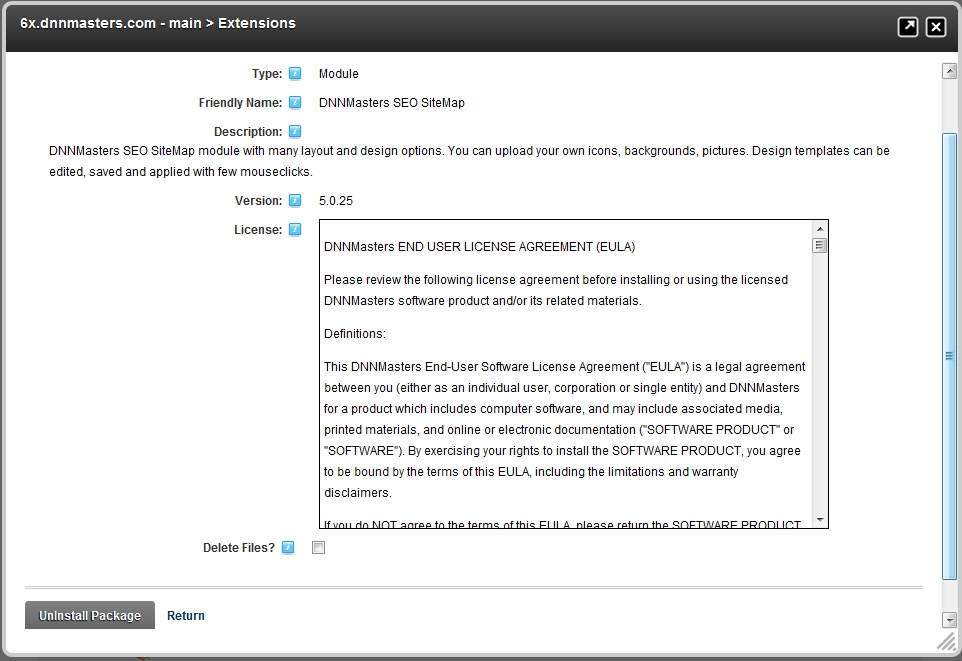
| • | select Delete Files box and click Uninstall Package |
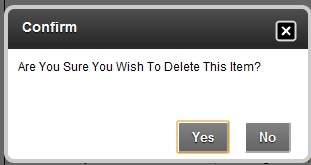
| • | Confirm action |
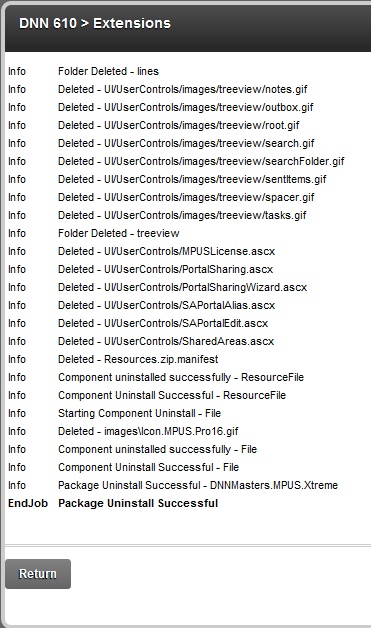
| • | The process will start and display a report - please check the report for errors, |