To uninstall DNNMasters Multi Portal User Sharing Xtreme module:
| • | backup your database, |
| • | login as Super User (usually “Host”), |
| • | go to the page where your MPUS-Xtreme module was installed, |
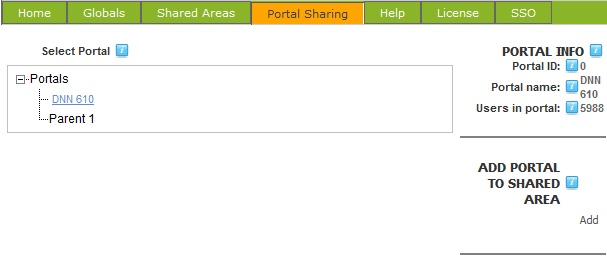
| • | remove all portals from all Shared Areas, |
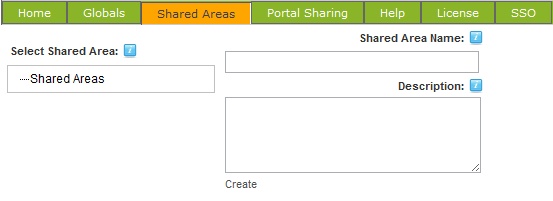
| • | remove all Shared Areas, |
| • | the actions above will restore your original DotNetNuke users and roles on all portals, users and roles will not be shared anymore, |
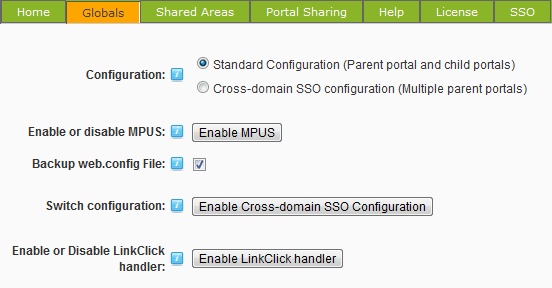
| • | Disable the module. This will remove all module related entries from the web.config file, |
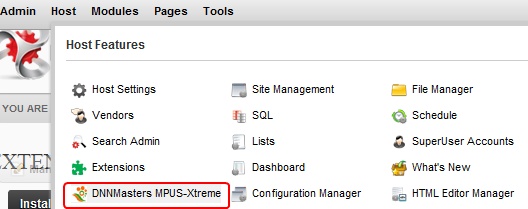
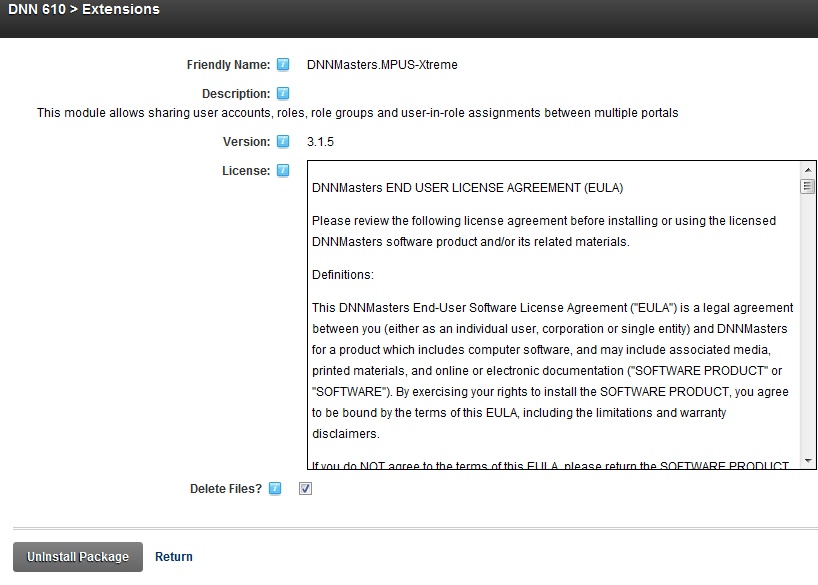
| • | go to Host -> Extensions, select “DNNMasters.MPUS-Xtreme” module and click on the red X icon,  |
| • | select Delete Files box and click Uninstall Package |
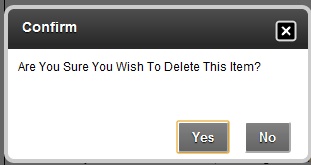
| • | Confirm action |
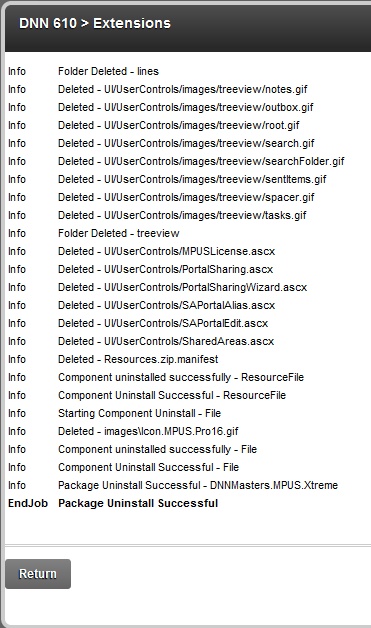
| • | The process will start and display a report - please check the report for errors, |
| • | Done. |
ATTENTION:
Uninstall script deletes all DNNMasters Multi Portal User Sharing Xtreme database tables, stored procedures and files.
If you forget to disable the module before uninstalling it, your DotNetNuke portal will be temporarily inoperable until you restore your old web.config file because current file that was modified during MPUS "Enable" refers to providers that are no longer present in your portal!
As soon as you replace the MPUS modified web.config file with the original one your portal will start working again.
There is no need to panic and restore the database and/or files!