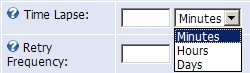
Time Lapse
Example: "5" and select "Minutes" to run task every 5 minutes. Leave blank to disable timer for this task.
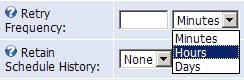
Retry Frequency
Example: "5" and select "Minutes" to retry the task every 5 minutes after a failure. Leave blank to disable retry-timer for this task.
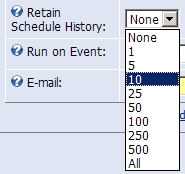
Retain Schedule History
Example: Select "10" to keep the ten most recent schedule history rows.
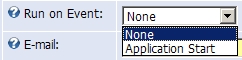
Run on Event
Example: Select "Application Start" to run this event when the web application starts. Recommended setting is None.
E-mail address import or export report will be sent to. If you do not want report leave it blank.
