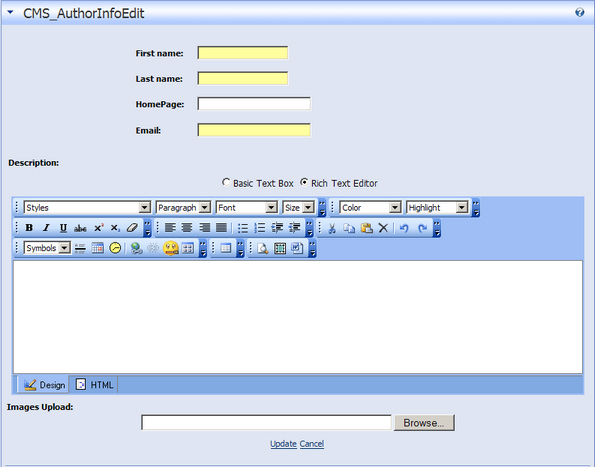
Add a new author
You can add an author two ways:
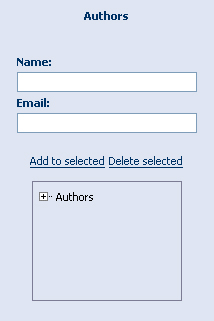
First, in the CB Lite Categories module enter name and e-mail address. Select where in the Author 'tree' you want this author to be placed. You can place an author under another author. Click 'Add to Selected' to add the author.
Second, Click the 'Add New Author' link on the right side of the screen.

This brings up a screen that allows you to enter the first and last name, along with a homepage and an e-mail address.
This method also allows you to enter a description and associate an image with the author.
Click the 'Update' link at the bottom of the screen to add the author.